Input Devices & Stabilizer
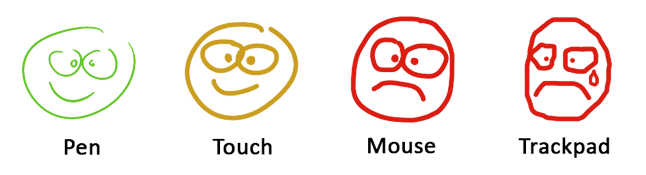
A pen or stylus is usually the best way to draw in Kleki because it offers better control and more natural motion than a mouse or trackpad.
Pressure Sensitivity
Section titled “Pressure Sensitivity”If your stylus and browser support pressure input, Kleki can use pen pressure for brush size and opacity.
Use the pressure toggle next to the brush sliders to control whether pressure affects the active brush.
On touch devices, two-finger gestures can pan, zoom, and rotate the canvas. Touch shortcuts are listed in Keyboard & Touch Shortcuts.
Stabilizer
Section titled “Stabilizer”Stabilization smooths your strokes by trailing behind your pointer and averaging the movement. It is useful for clean line art and for drawing with a mouse.
For fast sketching, turn stabilization down or off so the brush feels more immediate.