Tools
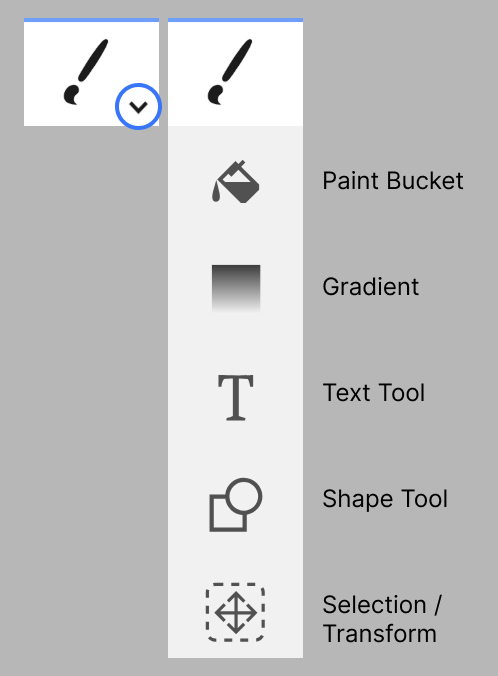
Kleki keeps the interface compact by grouping related tools. Click the arrow next to a tool icon to reveal more tools in the same group.
Common Tools
Section titled “Common Tools”- Brush: draw freehand strokes.
- Eraser: remove pixels from the active layer.
- Paint Bucket: fill enclosed areas with color.
- Gradient: create smooth color transitions.
- Text: add editable text before applying it to the image.
- Shape: draw geometric shapes.
- Select / Transform: move, scale, rotate, or transform part of the image.
Switching Tools Quickly
Section titled “Switching Tools Quickly”Many tools have shortcuts. See Keyboard & Touch Shortcuts for the full starter list.