
Introduction
This is the official help page for Kleki that teaches you how to use this browser-based painting app. If you take a little bit of time to learn about its features you will get much more out of Kleki and it will save you a lot of trial and error.
Video tutorial
Section titled “Video tutorial”
The Kleki introduction video covers the most important features, including the paint bucket, importing, saving PSD files, shortcuts, and the text tool.
Find what you need
Section titled “Find what you need”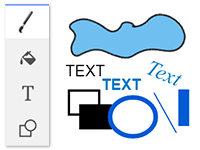 ToolsBrushes, text, shapes, selection, and transform.
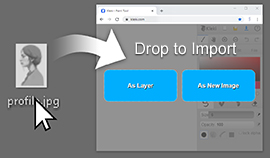 Import imagesBring existing images into your canvas.
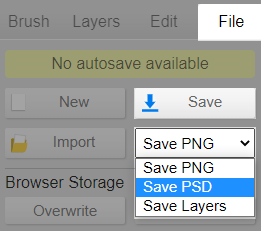 Save your workChoose PNG, JPEG, PSD, or separate layers.
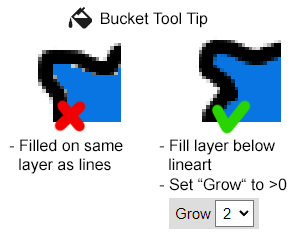 Paint bucketFill line art without white edges or leaks.
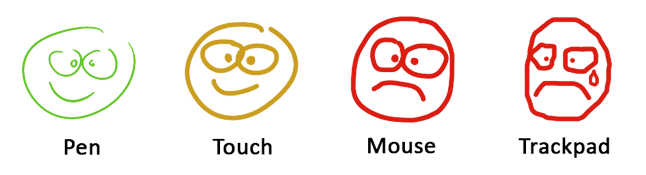 Input devicesUse a stylus, mouse, touch, and stabilization.
 ShortcutsWork faster with keyboard and touch controls.