Tools
Due to Kleki’s compact UI it’s not immediately visible but it has more tools beyond brushes. Click the arrow next to a tool icon to reveal the dropdown with more tools!
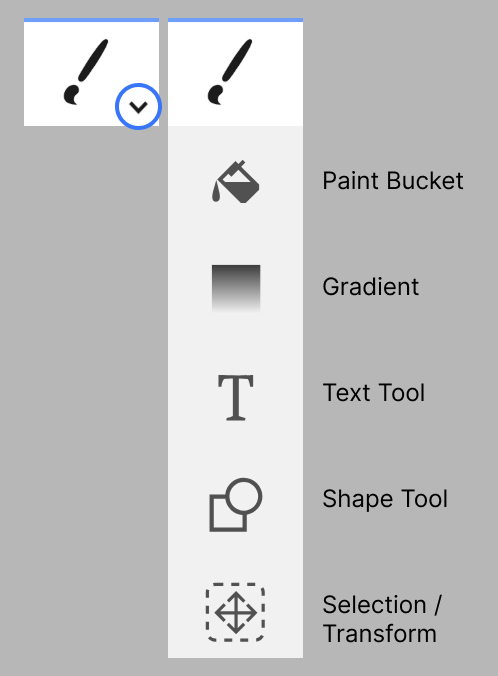
These are Kleki’s tools and their keyboard shortcuts:
- Brush B — draw freehand strokes.
- Eraser E — remove pixels from the active layer.
- Paint Bucket G — fill enclosed areas with color.
- Gradient G — create smooth color transitions.
- Text T — add text to the image.
- Shape U — draw geometric shapes.
- Select / Transform L — make selections, transform, and warp.